What to know about Atlas, OpenAI's new web browser

Add Axios as your preferred source to
see more of our stories on Google.
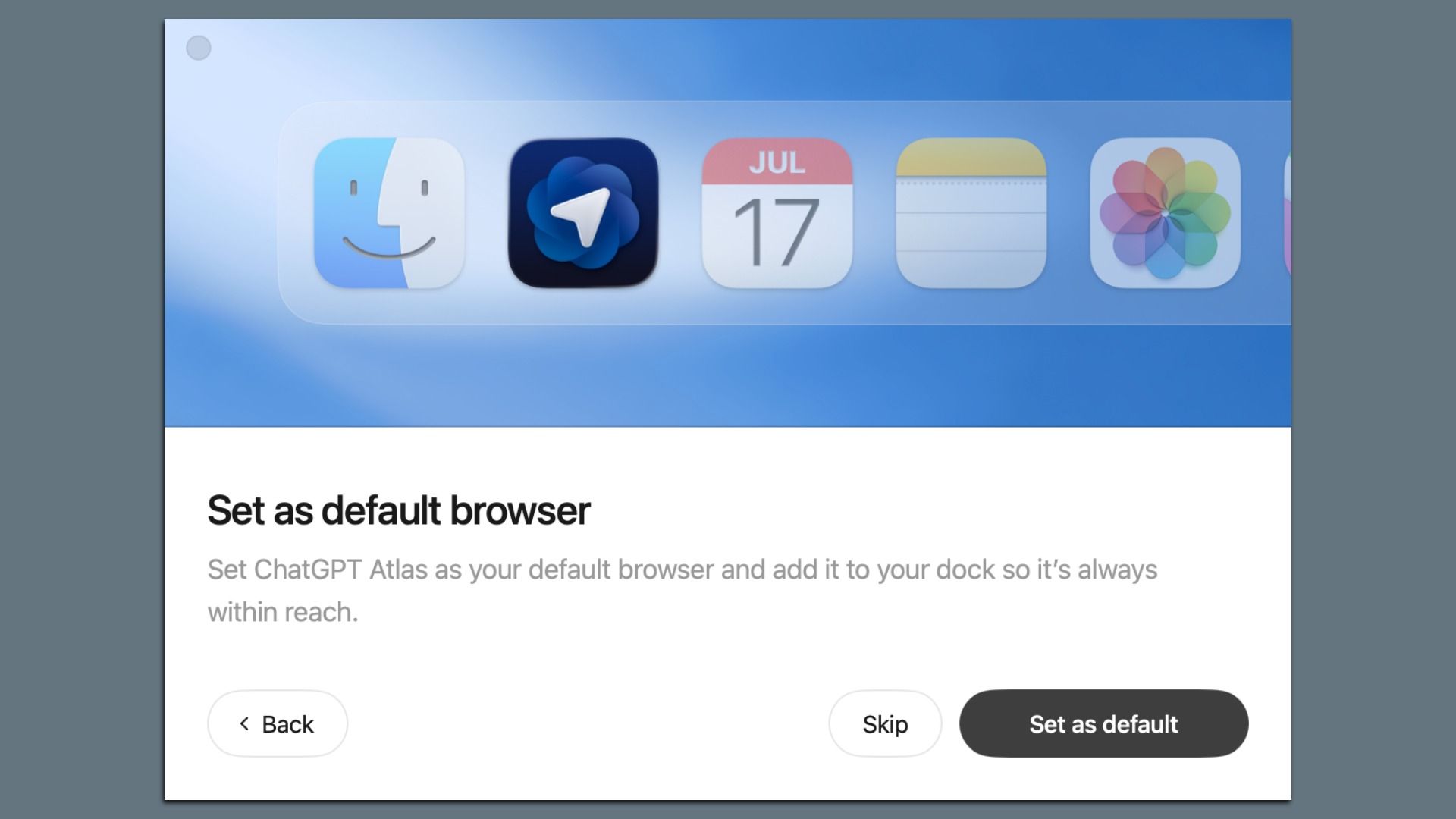
A screenshot from the ChatGPT Atlas setup process. Source: OpenAI
OpenAI's new Atlas browser offers powerful new capabilities, though the combination of Web and chatbot data opens up a new world of risks related to privacy and security.
Why it matters: People are already sharing some of their most sensitive thoughts and information with ChatGPT.
- Browsing while an AI stands by, or letting the AI do the work for you, expands that dramatically.
Catch up quick: Atlas is a free app that essentially combines ChatGPT and a Web browser. It's initially available for the Mac, with plans to add mobile and Windows versions.
- In addition to standard browser features, Atlas offers a sidebar that lets people have a dialog with ChatGPT about the page they are browsing.
- There's also an agent mode (currently only for paid subscribers) that allows Atlas to handle certain tasks autonomously or semi-autonomously.
- Atlas is based on the open source Chromium engine that powers Google's Chrome, among other browsers.
- While not limited to adults, OpenAI says Atlas offers parental controls similar to those recently added to ChatGPT, as well as giving parents the option to turn off certain features.
What they're saying: OpenAI is trying to make sure people understand there are greater risks using Atlas, especially when using agent mode.
- "Despite all of the power and awesome capabilities that you get with sharing your browser with ChatGPT, that also poses an entirely new set of risks," OpenAI's Pranav Vishnu said during a livestream.
- An Atlas prompt for agent mode warns: "ChatGPT is built to protect you, but there is always some risk that attackers could successfully break our safeguards to access your data, or take actions as you on logged in sites."
OpenAI does have an added control that dictates, on a site-by-site basis, whether its agent is logging into a user's account or simply browsing the standard web site.
- People have the option of watching the agent in action and, when doing so, have the option to stop a task or take control.
- OpenAI also notes that the Atlas agent is limited to browsing and can't execute code or access local files.
Between the lines: Users have a number of other choices that can add to or decrease the amount of data they are sharing.
- In addition to being able to save cookies and passwords, Atlas has an optional "memories" feature that offers deeper personalization but means more of one's browsing data is being stored. (People can delete specific memories after the fact, similar to the feature in ChatGPT).
- There is an incognito mode, where any browsing being done isn't linked to your ChatGPT account and isn't saved in your browser history.
- Other settings dictate how much data OpenAI has access to. By default, OpenAI says it won't use Atlas browsing data to train its models. Consumers can choose to share that data with OpenAI if they want to opt-in.
Yes, but: No matter which settings one chooses, Atlas is still putting more highly personal data in one place.
- Even if that isn't a huge concern today, it could lead to highly targeted advertising, for example, should the company decide to head down that path.
- That's also more data that could be available to governments or law enforcement should they get a court's permission or other access.
Go deeper: OpenAI has more about Atlas' privacy and data controls here.
