Smart ways to add an office at home

Add Axios as your preferred source to
see more of our stories on Google.
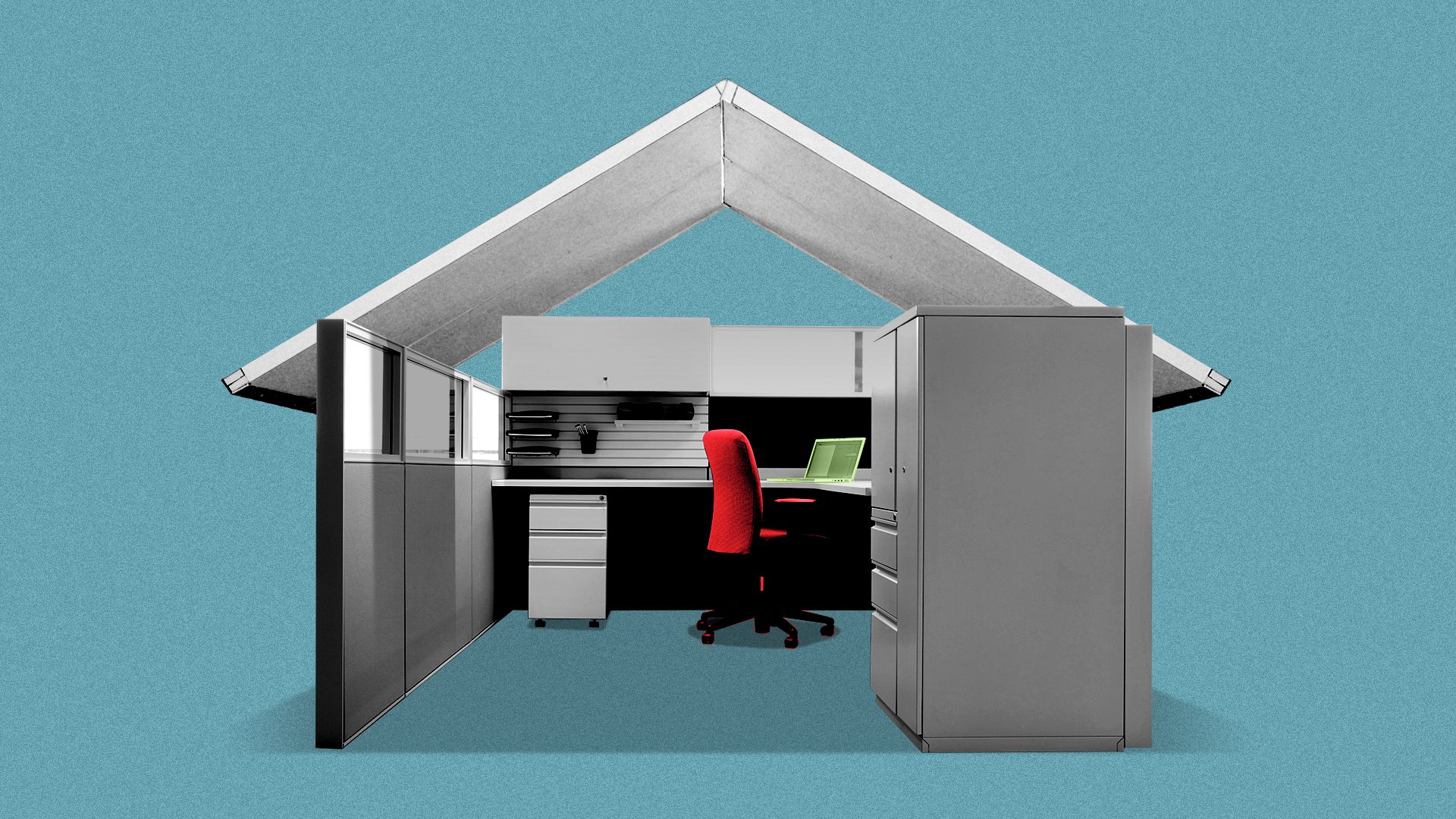
Illustration: Brendan Lynch/Axios
San Diego's smaller homes plus continued hybrid or remote work equals figuring out how to fit an office into another room.
The big picture: Jen Pinto, design department head at Jackson Design & Remodeling, told Axios many clients ask how to fit an office space into the living room, guest bedroom, or sometimes a corner in the kitchen.
How it works: Blend two spaces using creative design and multipurpose furniture, Pinto said.
- If the office is in the kitchen, use pocket doors to hide the desktop area and computer screen.
- If it's in the living room, push the desk out of the way at the end of the day.
- If it's in a guest room, buy a multi-use furniture piece, where the desk can be tucked away or folded into a bookcase.
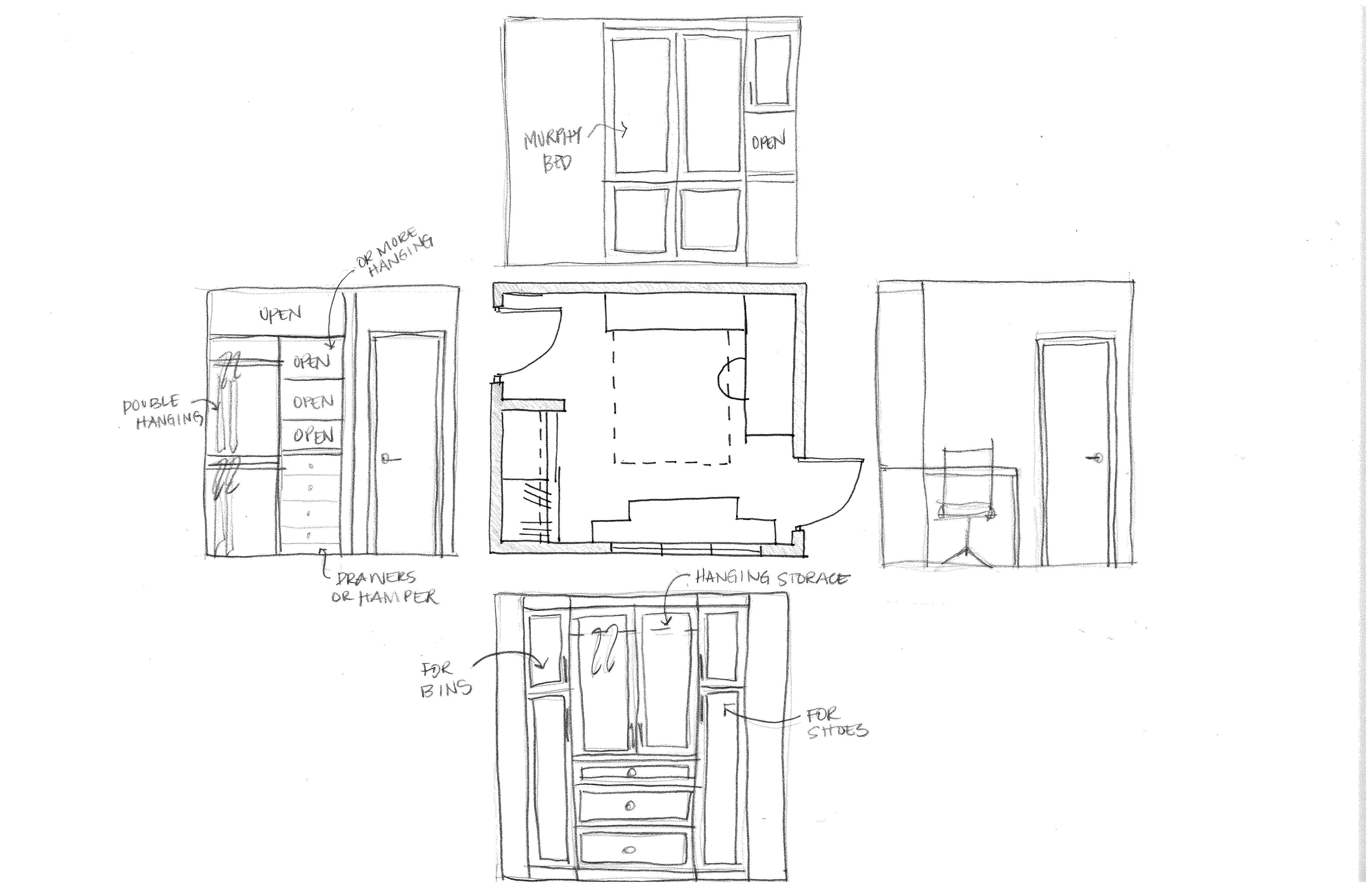
You can also get a Murphy bed that folds out for guests and can be put away when you need more space, she said.
Zoom in: Consider your Zoom background for remote work, Pinto said.
- "The most ideal situation is putting the desk in front of a window and having the person sitting facing the window, that's the best way of getting a nice, evenly lit backdrop to your Zoom," she said. "You don't want the window to be behind you, though, because then it kind of makes your face dark."
- Another option is to have a blank wall behind you and use an artificial background.
In a multi-use room, Pinto recommends not dividing up the space, for example having one area be the office and another the guest bed space.
- "When you divide the space, then that makes it a little bit more permanent, and lessens the flexibility of that space," she said.
💭 Claire's thought bubble: I work in a small room with my desk pushed into one corner and my husband's clothes storage taking up most of the other wall (our closets are tiny and my clothes are in the bedroom).
- Now I'm thinking how we can rearrange the space to add a Murphy bed for guests and a better storage system.